Key takeaways
- Size for two things: energy (kWh, how long you can run) and power (kW, how much can run at once).
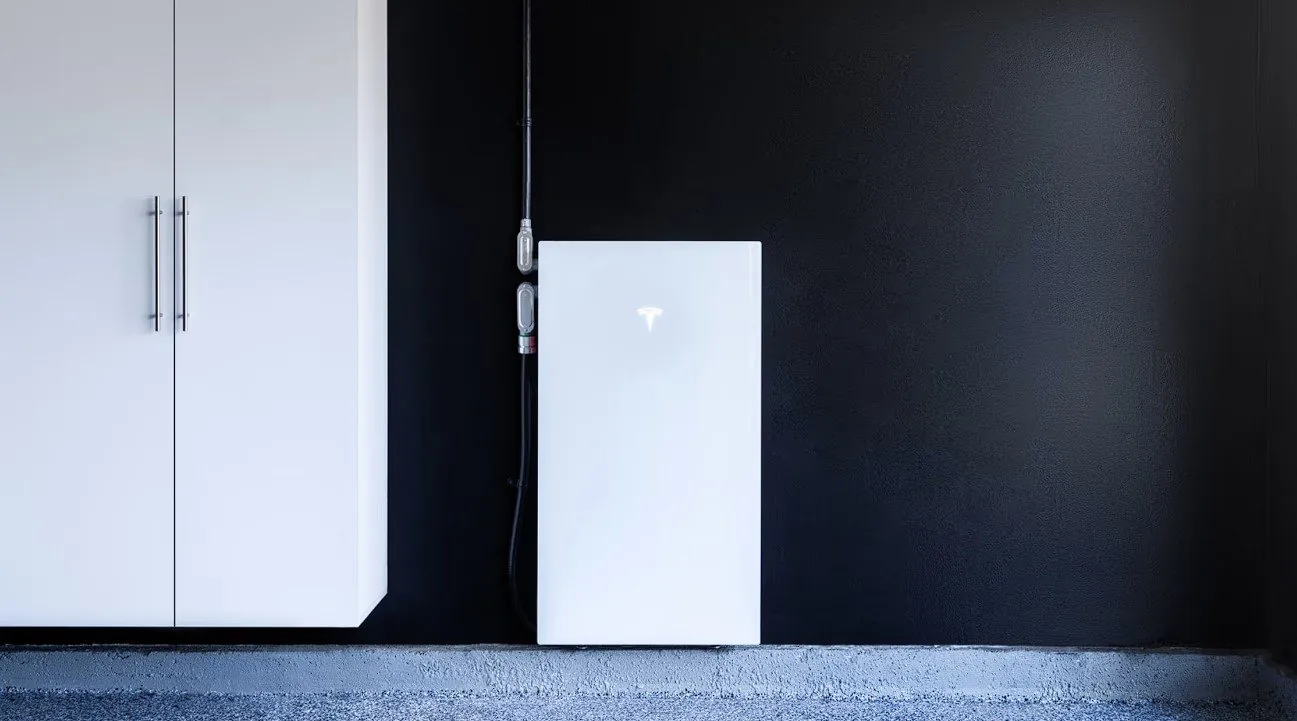
- One Powerwall 3 gives 13.5 kWh and up to 11.5 kW continuous, and can start loads up to 185 locked-rotor amps.
- Central A/C, well pumps, pool pumps and electric ranges are what usually push a home to two units or to load management.
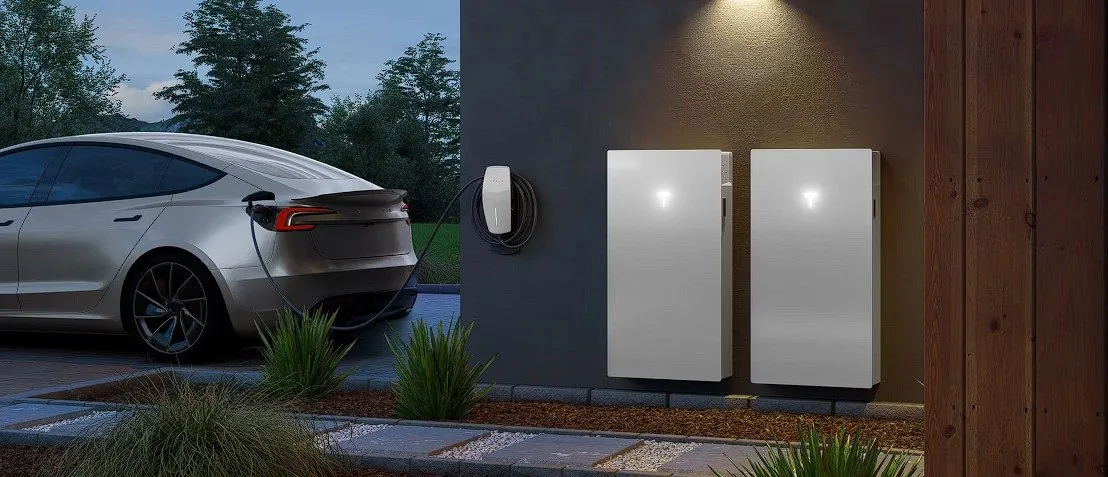
- An Expansion adds 13.5 kWh of runtime but no extra power. A second Powerwall 3 adds both, plus six more solar inputs.
- A system can scale to 4 Powerwall 3 units plus 3 Expansions. With solar, the battery recharges every sunny day.
The short answer
Most San Diego homes that want essentials backup (fridge, lights, internet, outlets, garage door, gas furnace fan) are well served by one Powerwall 3. Homes that want whole-home backup including central A/C often need two or one plus smart load management. Homes facing multi-day shutoffs without solar need more storage, or a battery plus a generator.
Energy vs power, in plain English
Energy (kWh) is the size of the fuel tank. One Powerwall 3 or one Expansion stores 13.5 kWh. Power (kW) is how hard you can push the pedal. One Powerwall 3 delivers up to 11.5 kW continuously. Expansions add tank size only. Each additional Powerwall 3 adds both.
Motor starting: the number that trips people up
Compressors and pumps draw several times their running current for a fraction of a second when they start. That's the locked-rotor amps (LRA) on the equipment nameplate. One Powerwall 3 can start loads up to 185 LRA, which covers many residential A/C units. If the nameplate LRA is higher, or several motors may start at once, the options are a second Powerwall 3, a soft starter on the compressor, or keeping that load off backup. Tesla's design rule is that total Powerwall output should be able to power the largest automatic backup load.
Step 1: List what has to run during an outage
| Backup level | Typical loads | Common starting point |
|---|---|---|
| Essentials | Fridge, lights, internet, phone charging, outlets, furnace fan, garage door | 1 Powerwall 3 |
| Most of the home | Essentials plus laundry, microwave, mini-splits or a small A/C | 1 Powerwall 3, possibly with an Expansion |
| Whole home with central A/C | Everything, including 3–5 ton A/C, electric range, pool pump | 2 Powerwall 3 units, or 1 with load management |
| Long shutoffs, no solar | Essentials for several days | More storage, or battery plus a standby generator |
Step 2: Check your actual usage
Your SDG&E account shows daily kWh use. Divide 13.5 kWh by what your essentials use per day for a rough runtime. For example, if your essential circuits use about 10 kWh a day, one Powerwall covers more than a day with no solar. With solar recharging, it can run indefinitely in sunny weather. On a 30 kWh day with A/C running, a single unit lasts well under a day without solar.
Step 3: Account for solar
Solar is what turns a battery from a few hours of backup into multi-day backup. Each Powerwall 3's built-in inverter accepts up to 20 kW DC across six MPPT inputs. If you already have solar, the battery charges from your existing system. See Adding Powerwall 3 to existing solar.
Expansion or a second Powerwall 3?
- Choose an Expansion when one Powerwall's 11.5 kW is enough power but you want longer runtime. Up to three Expansions can pair with one Powerwall 3.
- Choose a second Powerwall 3 when you need more simultaneous power or motor-starting capacity, or more solar inputs.
- Consider load management (smart breakers or load controllers) to keep big loads from running at the same time. This can often keep you at one unit.
What we check at the site visit
- Panel size, busbar rating and whether your backup loads are on the main panel or a subpanel
- A/C tonnage and nameplate LRA, well and pool pumps, EV charging
- Solar size and inverter type, if you have it
- Where the battery can mount: garage wall, exterior wall or floor
Looking for a price?
Every installation depends on your panel, wiring route and equipment choices, so we don't publish prices. A licensed C-10 electrician will look at your home and give you a written estimate.
Request a Powerwall 3 estimate →Common questions